On this page (9)
- What is the difference between a POS and an ERP?
- What does a till do on its own?
- What does a full business system add?
- How do POS and ERP compare side by side?
- What are the signs you have outgrown a till and spreadsheets?
- When is a till enough?
- Do you need a big system to get the benefits?
- How EasyTaskr helps
- Questions people ask
Key takeaways
- A POS records the sale; an ERP records the whole business around it.
- The clearest sign you need more than a till is spreadsheets running beside it.
- Selling on credit and keeping stock in more than one place are the usual tipping points.
- You do not need a big system. You need the till and the back office to share one set of records.
What is the difference between a POS and an ERP?
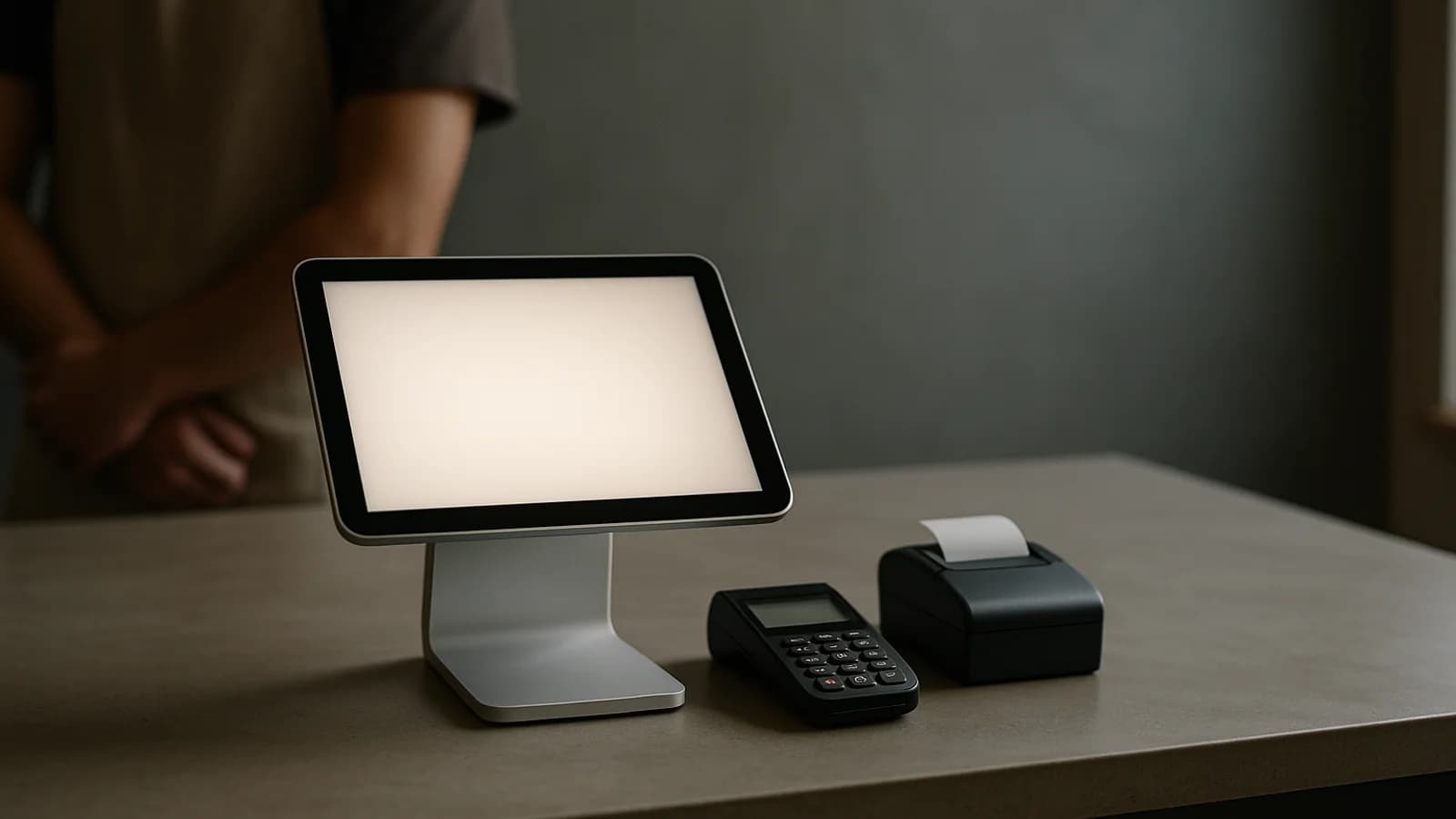
A POS (point of sale) is the till. It finds the product, works out the price and tax, takes payment and prints a receipt. An ERP (enterprise resource planning) is the system behind the till: stock, buying, customers who pay later, invoices and the reports that tie it all together.
Put simply, the POS answers "what did we sell just now?" An ERP answers "what do we have, what do we owe, who owes us, and are we making money?"
The name "ERP" puts many small business owners off, because it sounds like software for factories with IT departments. In practice it just means the till and the back office share one set of records.
What does a till do on its own?
A good standalone till does the counter well:
- Scans barcodes or finds products by name.
- Applies prices, discounts and tax.
- Takes cash and card, and gives change.
- Prints or sends a receipt.
- Handles refunds.
- Gives a sales total at the end of the day.
Many tills also keep a basic stock count. For a single shop selling for cash, from one stockroom, with one price for everyone, that may be all you need. If that is you, the POS buying checklist will help you choose well.
What does a full business system add?
It adds the work that happens away from the counter. The main pieces are:
- Stock across locations. A shop and a warehouse, or several shops, each with its own count, and moves between them.
- Buying. Purchase orders to suppliers, and goods received notes when deliveries arrive.
- Customer accounts. Credit limits, balances, invoices, payments against invoices, statements and ageing.
- Price lists. Different prices for trade, retail and big customers, applied automatically.
- Orders from outside the shop. Sales reps on the road, or customers ordering from a catalogue link.
- Reports across the whole business. Profit by product, stock value, who owes what.
The point is not the number of features. It is that all of them use the same products, customers and stock as the till, so nothing gets typed twice.
How do POS and ERP compare side by side?
| Question | Standalone POS | POS inside a business system |
|---|---|---|
| What did we sell today? | Yes | Yes |
| What stock do we have, and where? | One location, basic | Every location, with transfers |
| What do we need to reorder? | Sometimes a low-stock list | A low-stock list and suggestions from sales history |
| What did the last delivery cost? | Usually not | Recorded on the goods received note |
| Who owes us money, and for how long? | Rarely | Balances and ageing per customer |
| Does each customer get the right price? | Manual or limited | Price lists applied when you choose the customer |
| Can a rep take orders on the road? | No | Yes |
| Can I send an invoice and record a part payment? | Rarely | Yes |
| What is our stock worth? | Sometimes | At cost and at selling price |
| Which products make the most profit? | Often not | Profit by product |
What are the signs you have outgrown a till and spreadsheets?
Spreadsheets beside the till are the clearest sign. If any of these sound familiar, you are paying for the gap in staff hours:
- You type sales into a spreadsheet at the end of the day to work out profit.
- You keep customer balances in a notebook or a separate file, and they do not always match the invoices.
- You count stock and the till disagrees, and you are not sure which one is right.
- You have stock in two places and no quick way to see both.
- You phone the warehouse to find out whether something is in stock.
- Trade customers get the wrong price because the cashier forgot.
- You cannot answer "who owes us money?" without an afternoon of work.
- Several versions of the same file exist, and nobody is sure which is current.
What does the gap actually cost?
Here is a rough worked example. Say a wholesaler spends:
| Task done by hand | Hours a week |
|---|---|
| Copying sales into a profit spreadsheet | 3 |
| Updating customer balances from invoices | 4 |
| Checking stock between shop and warehouse by phone | 2 |
| Fixing wrong prices on trade invoices | 1.5 |
| Building a weekly report for the owner | 2 |
| Total | 12.5 |
At 15 an hour, that is 187.50 a week, or 9,750 over a year, before counting the cost of mistakes, like a customer who drifted past their credit limit because nobody saw the balance. The numbers will be different for you, but it is worth doing the sum.
When is a till enough?
A till on its own is enough when you sell for cash or card at the counter, from one location, at one price, and you can see what you need from the till's own reports. Plenty of good small shops run like that for years.
The tipping points are usually:
- Your first customer who pays on account.
- Your second stock location.
- Your first sales rep or delivery van.
- Your accountant asking for numbers you cannot produce easily.
Do you need a big system to get the benefits?
No. The useful part of an ERP for a small firm is not size, it is one set of records. When the till, the stock, the customers and the invoices share the same data, a sale on the till updates stock and the customer's balance at once.
Start with the parts you need now. Add the rest as you grow. A system that lets you switch on modules as you need them is often easier to live with than one that tries to do everything on day one.
If credit is your pressure point, read customer credit for wholesalers. If stock is, start with stock control.
Questions people ask
Is a POS system an ERP?
No. A POS handles sales at the counter. An ERP covers more of the business, such as stock, purchasing, customer accounts and finance. Some systems include both, with the till as one part of a wider system.
Does a small business need an ERP?
Not always. A small shop selling for cash may only need a good till. The need usually appears when you sell on account, buy from many suppliers, or keep stock in more than one place.
Can I use a POS and spreadsheets instead of an ERP?
You can, and many businesses start that way. The cost shows up as typing the same thing twice, numbers that do not match, and nobody being sure which file is current.