On this page (10)
- What makes running a tyre centre hard?
- How does EasyTaskr organise the bays?
- How does the tyre finder quote a fitted price?
- Step by step: a day at a tyre centre on EasyTaskr
- Which jobs does EasyTaskr take off the counter?
- Why does DOT order matter so much?
- How do reminders work for a tyre centre?
- How does EasyTaskr help a tyre centre?
- See it in a tour
- Questions people ask
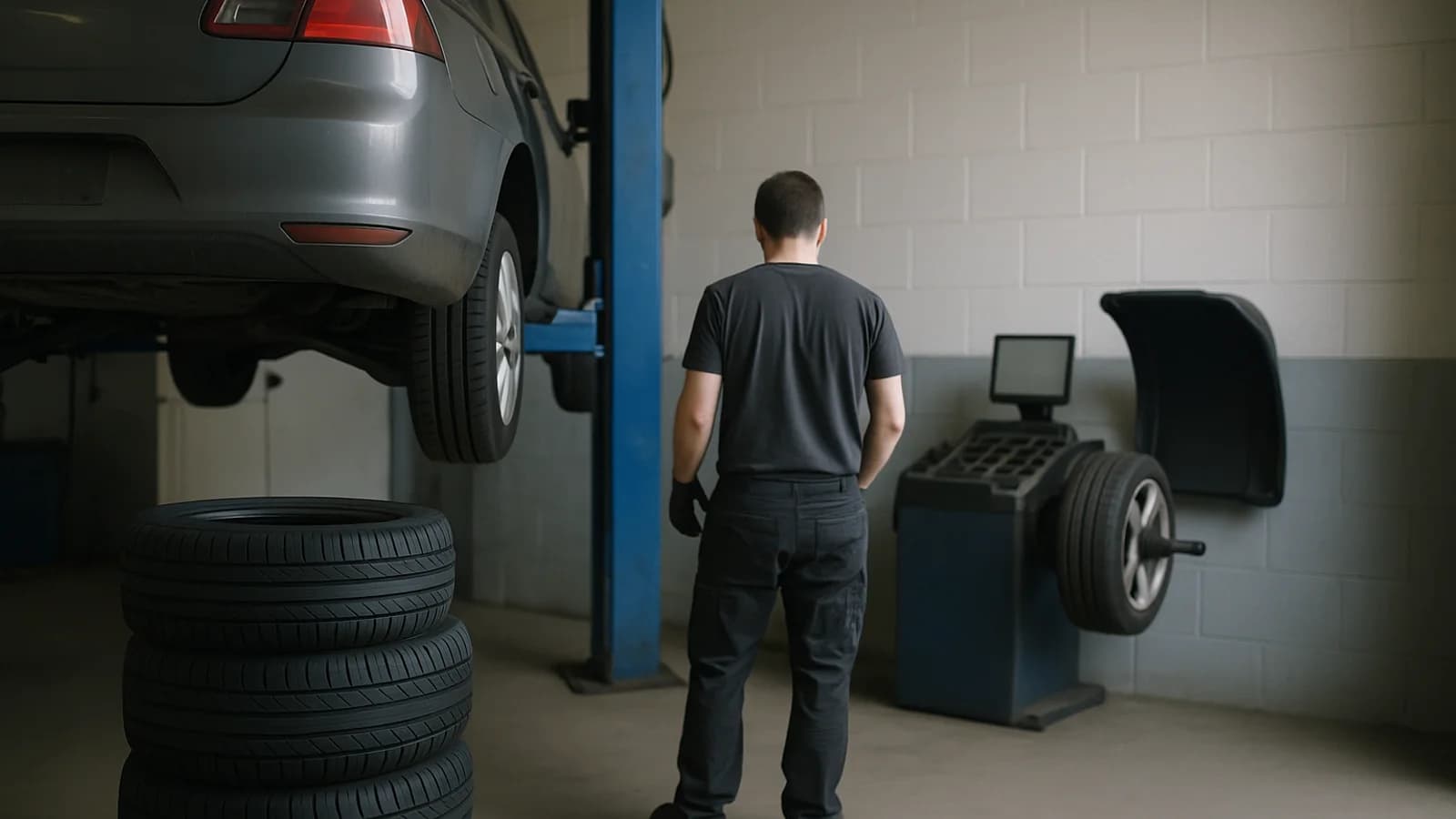
A tyre centre is part shop, part workshop. The money is made in the bay, but the margin is decided on the rack: which tyres you hold, how old they are, and whether the customer chooses a level they can afford before the fitter takes the wheels off. EasyTaskr runs the tyre centre around those two places, with the booking diary, the finder, the job card, stock by DOT date, warranty claims and reminders all reading the same records.
What makes running a tyre centre hard?
The hard part is that a tyre is not just a product with a price. It has a size, a load and speed rating, a date of manufacture, a car it was fitted to and a warranty that depends on how much tread it has left. Most till systems hold none of that.
The problems tyre and wheel centres meet every week:
- Old stock on the rack. Tyres age from the week they were made. If new deliveries are stacked in front, the oldest lots sit at the back until nobody wants them.
- Quotes at the counter. "How much for two, fitted?" needs the tyre price, the fitting price, what is in stock and a choice of levels, in under a minute.
- Work done without approval. A fitter finds a worn inner edge and replaces it. The customer disputes the bill because nobody showed them why.
- Warranty arguments. A sidewall bulge comes back after a few months. Without a rule, the refund depends on who is on shift.
- Cars that never return. Customers forget wheel nut re-checks and the next inspection date, and go wherever is nearest when they finally remember.
How does EasyTaskr organise the bays?
Appointments shows both bays across the whole day, with every booking in its bay at its time, so gaps for walk-ins are easy to spot. Online requests from your booking page wait under To confirm until you confirm them into a bay or reject them.
You set the bays and your opening hours once, under Bays and hours, which decides what can be booked, where and when. Opening a booking shows the car in that bay with its tyre size, past visits and any reminder already set for it. Vehicles and customers are kept as records of their own, so the history follows the car.
How does the tyre finder quote a fitted price?
Type a size such as 195/65 R15, or the short form 1956515, or a vehicle number, which finds the size saved on that car. The finder shows three columns, Budget, Mid-range and Premium, with the price each with fitting, the total for the set, and what the tyre and the fitting cost.
It also shows how many are in stock, says "Only 3 in stock" when it is short, and gives the DOT date of the oldest lot. "Use these tyres" carries the choice onto the job. Fitting prices are kept on their own page and added to every tyre in the finder, and a supplier CSV can add new tyres and update prices in one go.
Step by step: a day at a tyre centre on EasyTaskr
A sample day at a two-bay tyre and wheel centre. All figures are examples.
- At opening, check Appointments. Both bays are laid out for the day. One request came in overnight from the booking page and sits under To confirm. Confirm it into bay 2.
- Look at the first car. Open the booking in bay 1. The car's size, past visits and its next inspection reminder are already there, so the fitter knows what was done last time.
- A walk-in asks for a price. Open the Tyre finder and type the size or the vehicle number. Show the customer Budget, Mid-range and Premium with the fitted price each and for two.
- Check the rack before promising. The finder shows how many are in and the DOT date of the oldest lot. If it says "Only 3 in stock", you know before the customer does.
- Start the job card and inspect every corner. The fitter saves the tread reading on each corner. Worn tyres show as Replace, so the customer sees the reason, not just a total.
- Pick from the oldest lot. The job takes tyres from the oldest DOT lot of that size and copies its date code onto the record.
- Send the quote for approval. The quote goes by WhatsApp or SMS as a link. The customer ticks the work they want and approves it on their phone before any wheel comes off.
- Fit, then Create invoice. When the tyres are fitted and torqued, the job card raises the invoice. When it is paid, the job moves to Paid.
- Book in a delivery by DOT. Open tyre stock by size, then Goods in. For each lot, enter the DOT code (week and year) from the sidewall, the quantity, the cost each and the condition, then Receive stock. The new lot goes behind the older ones.
- Handle a warranty claim. Start the claim from the tyre fitted on the car. Enter the reason, the tread now and the tread when new. The pro-rata share is worked out from the tread left above the legal limit. When the supplier approves, raise the customer's credit note from the claim.
- Check the reminders. Each reminder rule shows sent, delivered, read and booked. The message log lists each message, when it is due, its status and the channel it went by.
- Log old tyres out. On Old tyre disposal, record what was removed and what the waste carrier collected, and keep the monthly report of tyres removed against tyres collected.
Which jobs does EasyTaskr take off the counter?
| Job | Screen | What it saves |
|---|---|---|
| Fill both bays | Appointments | Double bookings and idle bays |
| Confirm online bookings | Appointments, To confirm | Missed overnight requests |
| Quote a fitted price | Tyre finder | Adding tyre and fitting prices by hand |
| Show why a tyre needs replacing | Job card inspection | Disputes over unapproved work |
| Get approval before work | Quote link by WhatsApp or SMS | Phone tag with the customer |
| Sell oldest tyres first | Stock by size, DOT lots | Aged tyres stuck at the back |
| Settle a warranty claim | Warranty | Different answers from different staff |
| Bring cars back | Reminders | Customers drifting to the nearest garage |
| Track old tyre collection | Old tyre disposal | Gaps in the waste record |
Why does DOT order matter so much?
Because a tyre's age is part of its value. Customers increasingly check the date code on the sidewall, and a tyre that has sat for years is harder to sell at full price. Keeping lots oldest first, and making the job card pick from the top, means stock turns in the order it arrived without anyone having to remember.
This only works if every delivery is booked in with its DOT code. A lot entered without one has no place in the queue. Treat Goods in as part of unloading the van, not a job for later. For the wider habits of counting and rotating stock, see stock control; for how ageing stock affects what your rack is worth, see stock valuation.
How do reminders work for a tyre centre?
Reminders run from rules you set in plain settings. A rule says what to send, when, and in which order of channels. For example, a wheel nut re-check two days after fitting, at nine in the morning, never in quiet hours, by WhatsApp first, then SMS, then email. An inspection or licence reminder can go out a set number of days before the date is due.
Each rule reports how many messages were sent, delivered, read and turned into a booking, so you can see which reminders earn their keep and drop the ones that do not.
How does EasyTaskr help a tyre centre?
It ties the bay to the rack. Bookings, the finder, the job card and invoicing run as one flow, stock is kept by DOT date so the oldest tyres go first, and warranty claims follow one rule from tread reading to credit note. For pricing the fitted set so both the tyre and the labour carry their margin, see how to price products, and for getting invoiced fleet and trade work paid, how to get invoices paid faster.
See it in a tour
Short guided tours of the real screens, with sample data. No sign-up.
- Opening: both bays and the online requestsEvery booking in its bay at its time, online requests waiting to be confirmed, and the first car with its history.
- A walk-in asks for a priceType the size, see Budget, Mid-range and Premium with the fitted price, the stock and the oldest DOT, and choose.
- The job card, from inspection to invoiceTread on every corner, the oldest DOT lot picked first, a quote approved from a link and an invoice from the job.
- Goods in, by DOT dateTyres by size, each size's DOT lots oldest first, and goods in with the DOT code read from the sidewall.
- A warranty claim, worked out fairlyClaims by who they are waiting on, the pro-rata share worked out from the tread left, and a credit note for the customer.
- Reminders that bring cars backWhat each reminder rule sent and how many booked, every message with its status, and the rule itself.
Questions people ask
What is the best software for a tyre shop?
Look for software that handles bay bookings, quoting by tyre size, job cards, stock by DOT date and warranty claims in one place. A general retail till cannot track which tyre lot went on which car.
How do I make sure old tyres are sold first?
Book each delivery in with the DOT code of every lot. EasyTaskr keeps lots oldest first, and a job card picks from the oldest lot and copies its date code onto the record.
Can customers approve a tyre quote on their phone?
Yes. The quote from the job card is sent by WhatsApp or SMS as a link. The customer ticks the work they want and approves it before the fitter starts.
How is a pro-rata tyre warranty worked out?
From the tread left above the legal limit compared with the tread when new. EasyTaskr works out the share from the tread readings entered on the claim, so the answer is the same whoever is at the counter.
Can customers book a tyre fitting online?
Yes. Requests from your booking page wait under To confirm in Appointments. You confirm one into a bay or reject it.
Can I import a supplier's tyre price list?
Yes. Tyres and prices can be added or updated from a supplier CSV file, and your fitting prices are added to every tyre in the finder to give the fitted price.