On this page (10)
- What makes running a sit-down restaurant hard?
- How does EasyTaskr fit a restaurant's day?
- Step by step
- Which screen saves time on which job?
- How do you keep the kitchen and the floor in step?
- How should a restaurant handle bookings and walk-ins together?
- How do you know if a service went well?
- How EasyTaskr helps
- See it in a tour
- Questions people ask
A sit-down restaurant runs on three things happening at once: the floor, the kitchen and the money. EasyTaskr puts bookings, the table plan, orders, the kitchen screen and the day's figures in one place, so each person sees the part they need without asking someone else. This page walks through the real problems of a dining room and a full day using the product.
What makes running a sit-down restaurant hard?
The hard part is timing across people who cannot see each other. A host promises a table that is still on dessert, a server writes an order nobody can read, the kitchen cooks a dish that ran out an hour ago, and at the end of the night the takings do not match the till.
Most of these problems come from information living in heads and on paper:
- Bookings in a diary that only the person at the stand can read, so nobody knows which tables are held.
- Paper tickets that get lost, smudged or cooked out of order on a busy night.
- A dish that has run out still being sold, then apologised for at the table.
- Bills split five ways with a calculator, while the next table waits.
- Kitchen stock checked by eye, so the feta runs out halfway through lunch.
- No clear picture of which hours were busy and which dishes actually sold.
None of this needs a bigger team. It needs the floor, the kitchen and the till to share the same live record.
How does EasyTaskr fit a restaurant's day?
It follows the order of the day: stock before prep, the menu before the doors open, bookings, lunch service, the evening and the close. Each step has its own screen, and each screen shows what needs doing first rather than a long list to scroll.
The restaurant navigation includes Home, the till, Orders, the Menu, Tables, the kitchen display, Bookings, Kitchen stock, Suppliers, Reports and Offers. Online ordering, recipe costing and delivery appear when they are switched on for your business.
Step by step
Here is one day in a 12-table restaurant, screen by screen.
- 09:00, Kitchen stock. Before prep, open Kitchen stock. The top section, Needs buying, splits into Almost out (order today) and Running low (below the level you keep). Each ingredient shows the amount you set to keep at least. Feta and lemons are almost out, so they go on today's order. Needs buying links straight to Suppliers, so the call goes to the right person. To change an amount after a delivery or a spill, use a stock adjustment rather than typing over the figure, so there is a record of why it changed.
- 11:30, the Menu. The header counts how many dishes are available today. The fish supplier is short, so tap 86 Item on the sea bass. Its card is marked 86'd, the header now counts one dish off today, and the till leaves it out. When the fish arrives, Make Available brings it back.
- 11:45, Bookings. Bookings sorts the day by what each booking needs. Waiting to confirm sits at the top: confirm a booking once the guest has said yes, so the table is held. Coming in lists the rest by arrival time, each with its held table and any note, such as a birthday or a high chair. A phone booking goes in through New booking: name, time, number of guests and requests.
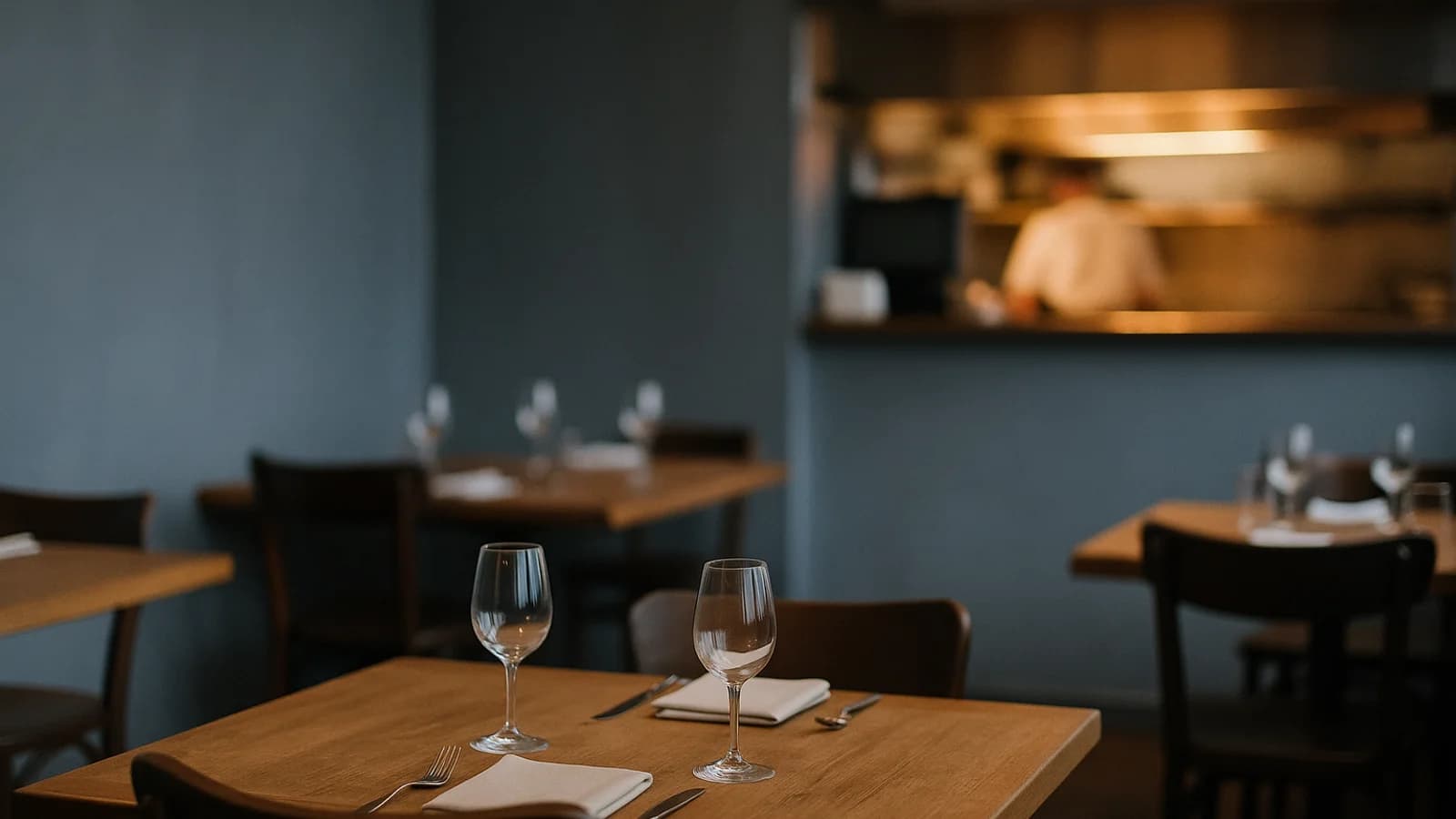
- 12:00, Tables. The table plan shows every table as free, seated, booked or waiting for the bill. The host seats a walk-in without walking the room. When guests with a booking arrive, Seat guests is one tap from the booking.
- 12:15, orders from the table. Guests at Table 7 scan the QR code on their table, pick from the menu and send the order. It arrives marked with the table number. Dishes switched off this morning are not offered. Servers still take orders at the till for tables that prefer to order the usual way.
- 12:20, the kitchen display. Every order lands on the kitchen screen as a ticket. Cooks tick off each dish and bump the ticket when it is ready. A ticket that has waited too long stands out, so it is not buried under newer ones.
- 14:00, the bill. Table 4 wants to split. Add the tip with one tap, let the till work out the shares two ways or by item, then take the payment for the table. The bill shows the VAT inside it, worked out with your own rates.
- 19:30, Orders. On a full Saturday night, Orders puts Ready to hand over first ("Food is up"), then what is in the kitchen, oldest first, each with how long it has waited. Served and closed orders fold into one line, so the list stays short. Any order opens to show what was ordered, the VAT, the tip and how it was paid.
- 23:00, Reports. Set the period to Today. One line gives takings from served orders, the average order and the busiest hour. Below it: orders placed in each hour, best sellers by portions with cancelled orders left out, how orders came in (dine in against takeaway), and cash against card.
Which screen saves time on which job?
The table below matches the everyday jobs in a dining room to the screen that handles them.
| Job | Screen | What it saves |
|---|---|---|
| Check what to buy before prep | Kitchen stock, Needs buying | A walk-in clipboard count and a mid-lunch run to the shop |
| Take a dish off when it runs out | Menu, 86 Item | Apologising at the table for a dish already sold |
| Hold tables for bookings | Bookings | Double-booked tables and a diary only one person can read |
| See which tables are free | Tables | Walking the room to check |
| Let guests order themselves | QR code on the table | A server's trip to take the order and re-key it |
| Get orders to the cooks | Kitchen display | Lost or unreadable paper tickets |
| Split a bill with a tip | Food till | Calculator maths while the next table waits |
| Know what to send out next | Orders | Food going cold on the pass |
| Read the day | Reports | Adding up receipts and guessing what sold |
How do you keep the kitchen and the floor in step?
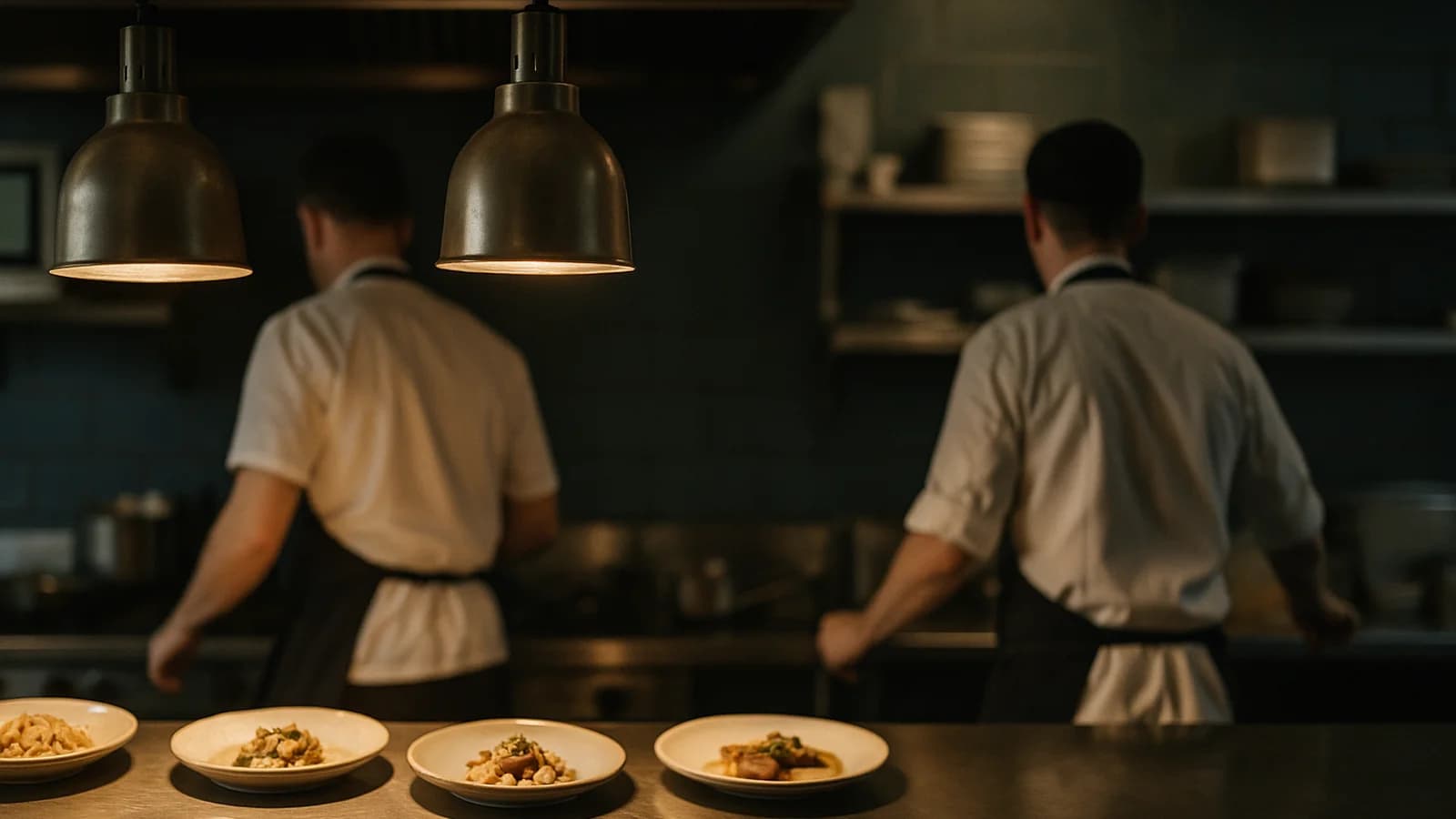
Give both sides the same live record. When the floor and the kitchen read from the same orders, the kitchen knows what is coming and the floor knows what is ready.
In practice that means three habits. First, every order goes through the till or the table's QR code, never a verbal "and one more for table 6". Second, the kitchen bumps a ticket only when the food is on the pass, so Ready to hand over means what it says. Third, someone owns the Orders screen during service and clears Ready to hand over before anything else. The minutes-waiting count on each order makes it obvious when the pass has stalled.
A dish that runs out is part of the same loop. Switching it off on the Menu removes it from the till straight away, so the next order cannot include it.
How should a restaurant handle bookings and walk-ins together?
Treat a booking as a promise on a specific table and confirm it before the day starts. A confirmed booking holds its table; an unconfirmed one is a maybe.
Confirm the night's bookings in the morning. Note anything that changes the table, such as a pushchair, a high chair or a celebration, on the booking itself so the host sees it on arrival. Then seat walk-ins from the table plan, using tables with no booking in the next couple of hours. When a booked party arrives, Seat guests from Bookings so the table plan and the booking agree.
How do you know if a service went well?
Look at four numbers after the last table leaves: takings, the average order, the busiest hour and the best sellers. Together they tell you whether it was a good day and why.
For example, say Reports shows takings of 4,860 from 162 served orders. The average order is 4,860 ÷ 162 = 30. If lunch peaked at 13:00 with 31 orders and the evening never went above 18 an hour, that is a reason to put one more person on the floor at lunch, not in the evening. If the souvlaki sold 58 portions and a new pasta sold 4, the pasta is a candidate for the next menu change. Cash against card tells you what should be in the drawer before you count it; the guide to the end-of-day cash-up covers the count itself.
To check whether dishes are priced well, the food cost percentage guide explains the sum, and the food cost calculator does it for one dish.
How EasyTaskr helps
EasyTaskr gives a restaurant one record shared by the host, the servers, the kitchen and the owner: bookings, a live table plan, QR ordering from the table, a kitchen display, a till with tips and split bills, kitchen stock with reorder levels, and a daily report. For the wider picture of running the business, read how to run a restaurant, and if you are comparing systems, how to choose a POS system.
See it in a tour
Short guided tours of the real screens, with sample data. No sign-up.
- Before prep: what the kitchen needsKitchen stock puts what is almost out and what is running low at the top, against the level the kitchen keeps.
- The fish did not come: off the menu for todayOne tap takes a dish off for today, the menu counts it, and the till stops offering it.
- Today's bookings, before the doors openBookings sorts the day by what each one needs: confirm it, seat the guests when they arrive, mark it finished.
- Lunch service in a restaurantTables, orders from the table, the kitchen screen and a split bill with a tip, in one lunch.
- Saturday night: nothing left on the passOrders puts food that is ready first, then what is still cooking, oldest first, with how long each has waited.
- After service: how the day wentReports for today: takings, the average order, the busy hours, the best sellers and cash against card.
Questions people ask
Can guests order from their table with a QR code?
Yes. Each table can have its own code. Guests scan it, choose from the menu and send the order, which arrives marked with the table number and is paid at the counter.
Can I split a bill and add a tip?
Yes. The till adds a tip with one tap and works out each guest's share of a bill evenly or by item. The payment is then recorded once for the whole bill. The VAT inside the bill is shown on it.
What happens when a dish runs out mid-service?
Mark it as off for today on the menu. The till stops offering it until someone makes it available again, so nobody sells a dish the kitchen cannot cook.
Do I need special hardware for the kitchen display?
The kitchen display runs in a web browser, so a tablet or a screen with a browser on the pass is enough. Tickets arrive as soon as an order is sent.
Can I take phone bookings and walk-ins in the same place?
Phone bookings go in through a New booking form with the name, time, number of guests and any notes. Walk-ins are seated straight from the table plan.
Can I see what each dish costs to make?
Where recipe costing is switched on, you build a dish from its ingredients and the recipe screen shows its food cost and margin against the menu price.